
Start by tracing the broken journey
Write down the affected URL, user role, expected result and actual result. Then find out which version is deployed and which Supabase project it uses. A working preview and a broken production app may be connected to different environments, redirect settings or database states.
Follow one failing request from the browser through authentication, the server or Edge Function, and the database or storage operation. A repair built on that trace holds up better than asking the builder to fix the error again and again with no record of what changed.
Symptoms and the first boundary to inspect
- Symptom
- Login works locally but not live
- Possible area to investigate
- Redirect configuration, environment or session handling
- Evidence to ask for
- The actual redirect and deployed configuration
- Symptom
- One account sees another account’s records
- Possible area to investigate
- Database, storage or server authorization
- Evidence to ask for
- Allowed and denied tests with distinct users
- Symptom
- Checkout succeeds but access is missing
- Possible area to investigate
- Payment event processing and entitlement updates
- Evidence to ask for
- The event, handler result and resulting access record
- Symptom
- Changes vanish after deployment
- Possible area to investigate
- Environment mismatch or incomplete persistence
- Evidence to ask for
- The deployed version and the record it wrote
| Symptom | Possible area to investigate | Evidence to ask for |
|---|---|---|
| Login works locally but not live | Redirect configuration, environment or session handling | The actual redirect and deployed configuration |
| One account sees another account’s records | Database, storage or server authorization | Allowed and denied tests with distinct users |
| Checkout succeeds but access is missing | Payment event processing and entitlement updates | The event, handler result and resulting access record |
| Changes vanish after deployment | Environment mismatch or incomplete persistence | The deployed version and the record it wrote |
Authentication does not decide which data a user may access
Authentication identifies a user. Authorization determines what that user may read or change. A login screen can work while the data behind it is still open to too many people. Supabase’s row-level security policies can limit which database rows a request is able to reach.
We review how access works in your app: users, organizations, memberships and records. We also inspect server functions and storage access, because database rules alone do not cover every path through the application. We test requests that should be denied as well as a successful request by the owner.
Turn a visible symptom into a testable repair
Understand public keys, secret keys and the place code runs
Supabase distinguishes publishable client keys from privileged secret keys and legacy service-role credentials. Public client keys are meant to appear in browser applications, so the protection has to come from the access controls behind those requests. Privileged credentials belong in server environments you trust.
If a privileged credential has reached public code or a repository, you have to deal with both the credential and whatever it exposed. Before we change anything, we find the integrations that depend on it, so the repair does not switch off authentication, background work or payment handling unnoticed.
Fixing a Bolt or Lovable app without erasing the useful work
Which builder made the app does not tell you whether the code can be saved. We review the source, configuration and real behavior. A problem in one place may only need a focused repair. A structural problem may justify replacing one component and keeping the working product around it.
Round after round of generated changes can bury the original failure. Before you go further, save the source history and identify a known deployed version. Then make the next repair against a case you can reproduce. The aim is one controlled change whose result you can demonstrate, since a new version that only looks different has not been checked.
Trace payments, uploads and migrations all the way through
A successful checkout should lead to the correct account access. An uploaded file needs both a stored object and the intended access rules. A schema change needs a repeatable path to the environment the live product uses. Each of these journeys crosses more than one system.
We agree with you on what counts as done for each affected workflow. For a payment, that means checking the server-side event handling and the entitlement it creates. For data work, it includes a backup and recovery approach suited to the change. Making the error message disappear is not enough to trust a live application again.
What the Diagnostic and repair scope should produce
The Get It Launched Diagnostic reviews the existing code, product and money and produces a written verdict you keep: salvage, rebuild or stop. The findings say what is known, what remains uncertain and what should happen next. We price the next piece of work against that assessment.
- An inventory of environments, account ownership and affected customer journeys.
- Reproduced failures and prioritized access or reliability findings.
- A recommendation identifying what to retain, repair or replace.
- A scoped repair plan with verification steps and deployment responsibilities.
- Handover notes so the next developer can reproduce the environment.
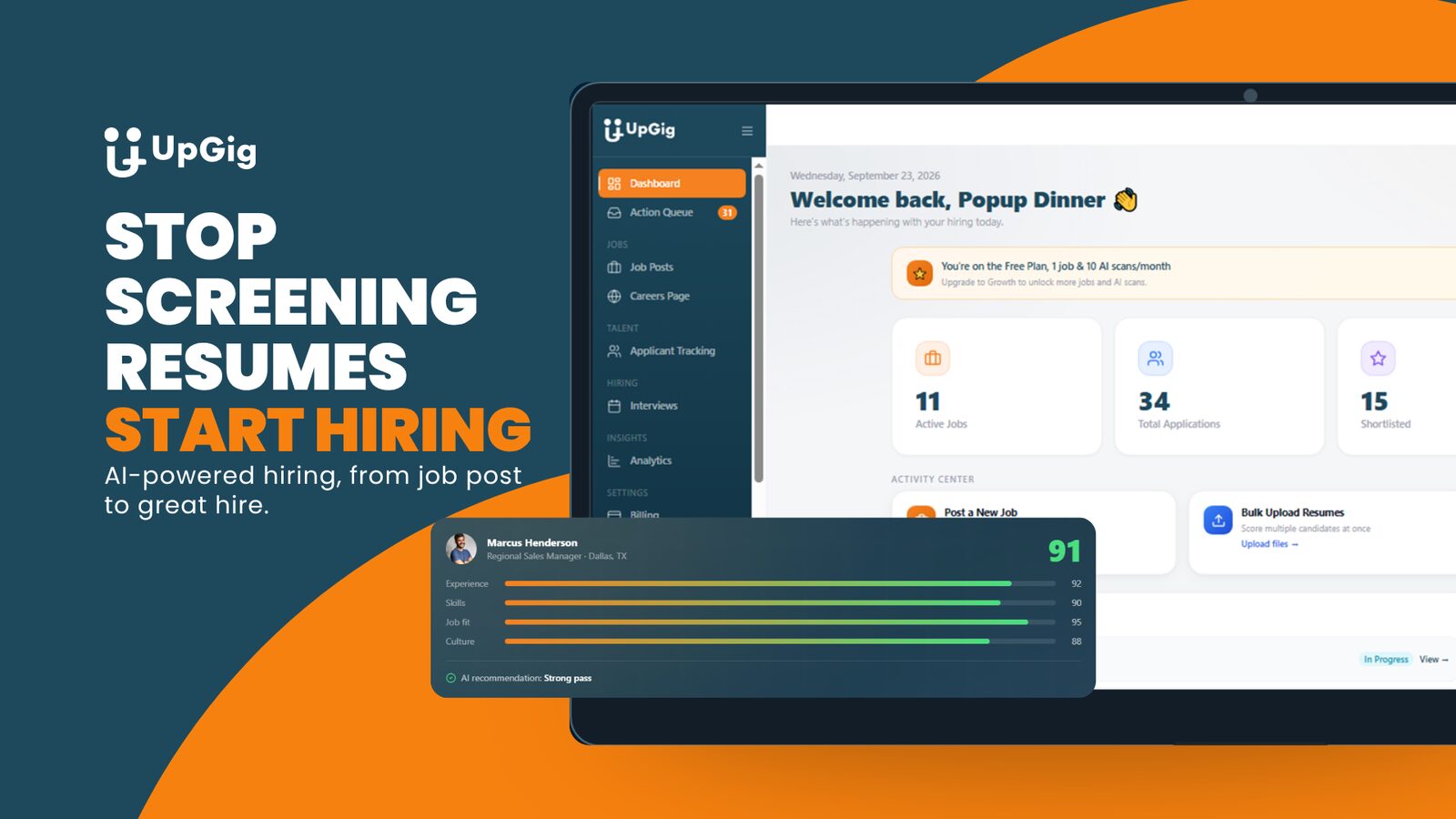
From our work / UpGig
The public UpGig case study describes a broken platform rebuilt around connected hiring workflows. The relevant lesson for a rescue is to assess the usable product and backend, then verify the workflow the business needs.
Read the UpGig case studyBefore you authorize another fix
These questions turn an unclear rescue job into a plan you can review.
- Which deployed version and database environment did you reproduce the failure in?
- What evidence shows the cause, and what alternative causes remain possible?
- Will the repair affect existing data, access rules or other integrations?
- How will you test denied access as well as successful access?
- What proves the fix works in production, and how will we recover if it does not?
We can fix your Supabase app.
We can investigate your broken Supabase, Bolt or Lovable app. The Diagnostic gives you a written assessment of what to keep, repair or replace. We then quote the repair work, test the affected journeys and permission boundaries, and verify the agreed changes in your live environment.
Book a free consultationOn the project call, we’ll discuss the problem, your existing tools and what TDAT should take off your hands. Then we can define the scope and next steps.
Or call (919) 289-1231
Questions before we start
Can you fix my Supabase app without rebuilding everything?
Often a focused repair is possible, but it depends on how the app was built. We reproduce the problem and inspect the code around it before we would recommend a rebuild.
Can you help with a Lovable or Bolt app?
Yes. We review the source, the connected Supabase project, the permissions and how the deployed app behaves. Which builder made it does not tell us how good the result is.
Is a Supabase key in browser code always a leak?
No. Publishable keys are designed for public clients. Secret keys and privileged service-role credentials require different handling. The access rules and code paths must be reviewed as well as the key type.
Why do payments work but users still have no access?
Checkout and account entitlement are separate steps. A success screen does not show whether access was granted, so we trace the payment event, the server handling and the resulting account state.
What access do you need to begin?
We agree on the assessment scope and access first. We usually need the repository, the deployed URL, an environment inventory and access to the services involved, limited to what the assessment needs.