
Project stage: Live in production.
Where it stands now
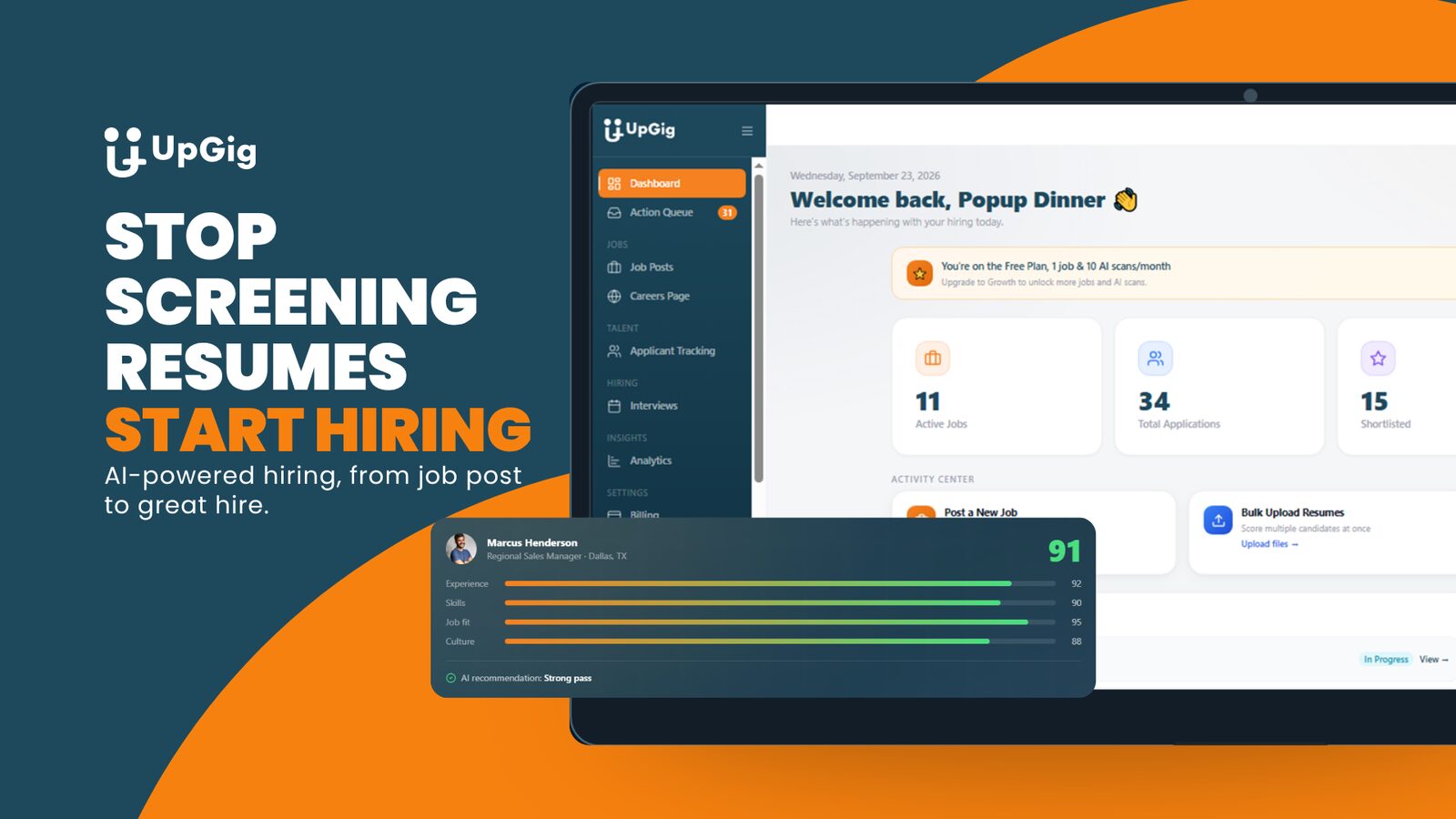
Live in production at upgigai.app with real employers and real candidate data, running on a 65-table platform backend that also powers a candidate-side app.
- Complete platform rebuild by TDAT
- Seven-dimension AI candidate scoring at bulk-upload volume
- AI phone screens with per-question scoring, on a live number
“I appreciate you taking it over ... I like where it's going better.”
The starting point
UpGig came to us with a platform that was not working and a short deadline. The founder needed it rebuilt, with a new stack, a new architecture and an AI engine that worked.
What TDAT built
A full rebuild: bulk resume processing with seven-dimension AI scoring, a drag-to-stage hiring pipeline, AI-conducted phone screens over a real phone number with per-question scoring, AI-generated candidate emails, branded careers pages, and a job ingestion pipeline for bringing listings into the product.
The decision: build around the employer’s job
A candidate-facing app alone did not cover the employer’s daily hiring work. The product expanded to support candidate access, resume review, a hiring pipeline and screening. Before adding features to a stalled product, identify the business task that makes it useful.
One feature: AI-assisted phone screening
The phone screening workflow gathers candidate responses and produces per-question scoring for the hiring team. The screening record is attached to the candidate, so the team can review it and decide the next step.
A screening score supports human review, and the hiring decision stays with a person. For a similar build, the scope must define permitted questions, consent, incomplete calls, review authority and retention.
What we took from it
- Inspect the complete user journey before judging progress from a demo.
- Connect the rebuild to the business offer and the people who will use it.
- Give automated conversations a reviewable record, owner and recovery path.
- Report a shipped capability separately from paying customers and revenue.
Stuck somewhere similar?
Tell us what you built and where it is stuck. We will say what we would do next and what it would cost to find out.
Book a free consultation