
Project stage: In final build.
Where it stands now
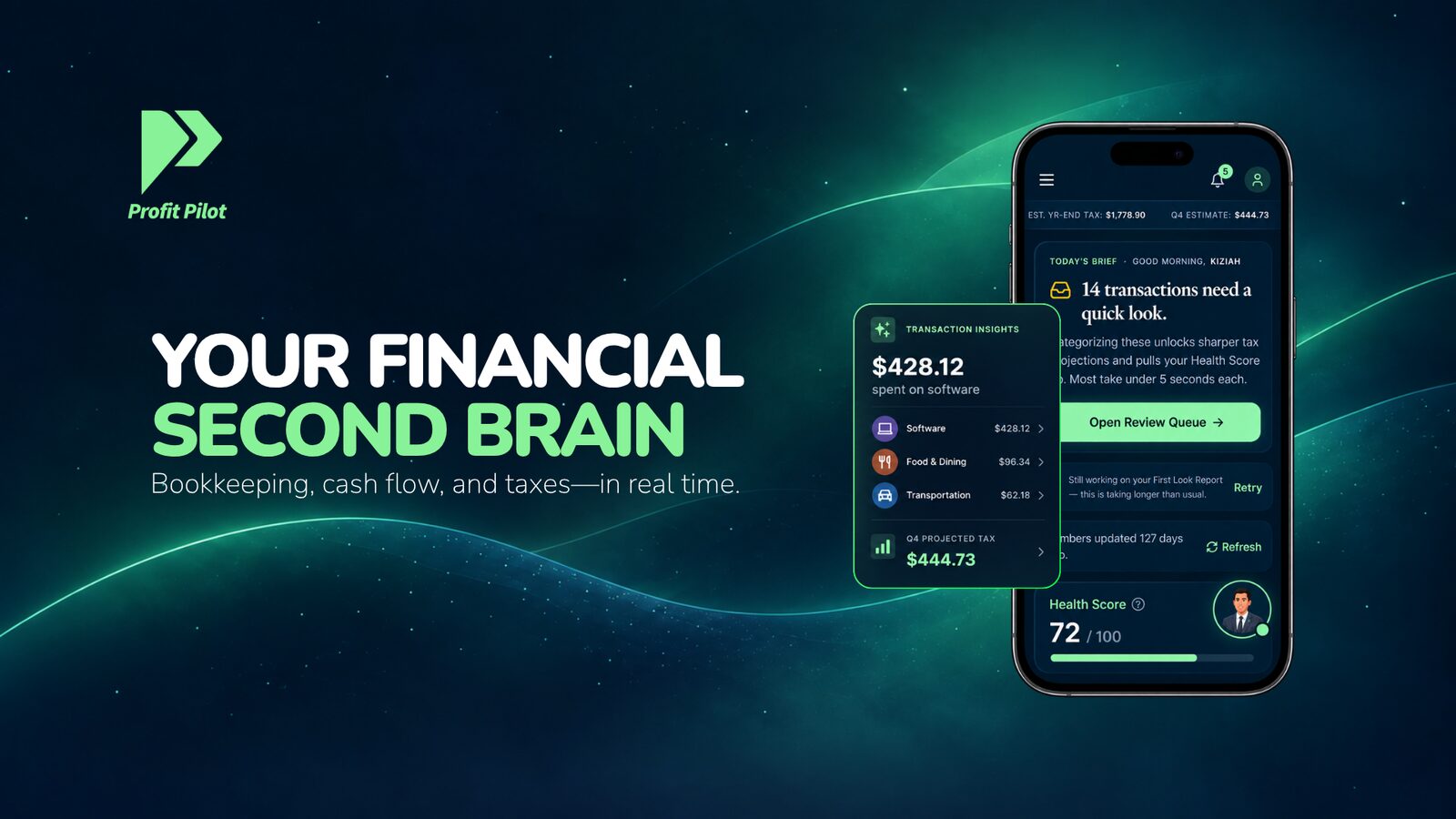
Feature-complete and hardening for launch, with billing seams built and ready for live payments. Bulk actions use a propose-and-confirm interaction so the user can review the intended change.
- Marcus: a persistent AI accountant with memory and a daily brief
- Real tax engine: deductions, liability, quarterly estimates
- Receipt OCR with QR handoff from desktop to phone camera
“Most developers hear solopreneur finance app and immediately underestimate what it actually takes to build it right. Jonathan didn't. He understood the complexity of tax liability, expense tracking, and financial clarity for people who are running a business completely alone, and he is building something that will genuinely change how solopreneurs manage their money. The vision is intact, the execution is locked in, and I have never once questioned whether we have the right team.”
The starting point
Solopreneur finance looks simple and covers a lot: tax liability, deductions, quarterly estimates, mileage, receipts. The product brings those tasks into one persistent assistant, so each interaction builds on the ones before it.
What TDAT built
The full product on a live database: a real tax engine with quarterly estimates and calendar reminders, AI transaction categorization, receipt OCR with a desktop-to-phone camera handoff, mileage tracking with one-tap trip creation, multi-business workspaces, an in-house referral program, and Marcus, whose daily brief picks the most important thing and says it in his own voice.
One feature: getting a receipt from desktop to phone capture
Profit Pilot includes receipt OCR with a desktop-to-phone camera handoff. That feature connects a task started at a computer to the device a person can use to photograph the receipt, alongside transaction categorization and the wider bookkeeping workflow.
The lesson for your build
A cross-device feature should be reviewed as one journey: start the request, reach the right capture screen, return the result and confirm where it was stored. For a similar build, include a correction path for unreadable or incorrectly extracted information. Keep OCR output and AI explanations reviewable, because neither proves that a financial record is correct.
Stuck somewhere similar?
Tell us what you built and where it is stuck. We will say what we would do next and what it would cost to find out.
Book a free consultation