
“Secure enough” starts with the app’s purpose and data
A public marketing site, a private customer portal and an app containing sensitive records have different review needs. List what your product stores, who should see it and which actions can change money, access or business records. That list defines the boundaries to investigate. The tool that generated the first version does not answer those questions for you.
Keep a record of the tested version, environment, expected behavior and reviewer’s observations. Evidence that one check passed does not establish that the whole application is safe. When the implementation changes, decide which checks need to run again.
What Lovable’s security scans can and cannot establish
Lovable now documents Quick and Deep security scans. Its security overview describes checks for access rules, dependencies, exposed secrets, application logic and other risks. These are useful controls to run and review. Advice that dismisses the platform’s checks as merely a warning about whether RLS is enabled is incomplete.
Lovable also states that its scanning tools do not replace a thorough review. Treat findings as work to investigate, fix and retest against the deployed app. A scan without findings is not evidence that every customer role, integration and operating process behaves correctly. Ask what was checked and what remains outside the review.
Build a permission matrix before testing the interface
Write expected access separately for signed-out visitors, customers, staff and administrators. If customers belong to organizations, include the organization boundary. Specify reads and changes independently: permission to view a record does not automatically mean permission to edit it, export it or change its owner.
Use synthetic accounts and records in an environment you control. For each protected action, check both the intended path and a request that should be rejected. OWASP recommends checking authorization on every request and testing the logic. Ask your reviewer to trace the server or database enforcement rather than relying on which controls the interface displays.
Example review matrix for an app with private customer projects
- Test identity
- Signed-out visitor
- Expected access
- No private project access
- Evidence to collect
- Protected reads and changes are rejected
- Test identity
- Customer A
- Expected access
- Only Customer A’s permitted records
- Evidence to collect
- Own-data tasks work; Customer B’s private records stay inaccessible
- Test identity
- Customer B in another organization
- Expected access
- Only the permitted organization’s records
- Evidence to collect
- Cross-organization reads, exports and changes are rejected
- Test identity
- Staff user
- Expected access
- Only documented staff actions
- Evidence to collect
- Administrative actions outside that role are rejected
- Test identity
- Administrator
- Expected access
- Only the privileges the business assigned
- Evidence to collect
- Sensitive changes are attributable and can be reviewed
| Test identity | Expected access | Evidence to collect |
|---|---|---|
| Signed-out visitor | No private project access | Protected reads and changes are rejected |
| Customer A | Only Customer A’s permitted records | Own-data tasks work; Customer B’s private records stay inaccessible |
| Customer B in another organization | Only the permitted organization’s records | Cross-organization reads, exports and changes are rejected |
| Staff user | Only documented staff actions | Administrative actions outside that role are rejected |
| Administrator | Only the privileges the business assigned | Sensitive changes are attributable and can be reviewed |
Supabase RLS and server-side checks solve different parts
In Supabase, row-level security controls which rows an applicable database role can access. Merely switching it on does not tell you whether a policy expresses the correct business rule. Test the policies for the product’s ownership and organization model, including creation, updates, deletion and any alternate path through a view or function.
Privileged server code needs its own review. A server endpoint using elevated database access may bypass the row restrictions that protect ordinary user requests. It must verify the caller and authorize the requested action. Moving code to the server is useful for protecting credentials, but it does not automatically make every operation private.
A public API key is not always a leaked secret
Supabase distinguishes publishable client keys from privileged secret keys. A publishable key is designed for client use with the appropriate access controls. A secret or legacy service-role key belongs in trusted server infrastructure. Do not treat every visible project URL or client key as proof of a breach; identify the credential type and what it permits.
If a privileged credential was exposed, removing it from the current file is only part of the response. Review where it appeared, replace or rotate it through the provider’s process and verify the application still works with the replacement. Keep secret values out of support tickets, public repositories, screenshots and review worksheets.
Review files, payments and background actions too
An app’s access boundary extends beyond its main tables. Uploaded files, generated reports, shared links, email attachments and logs can reveal information through a different route. Define who may upload, download and share each type of material. Test the relevant paths with synthetic files rather than assuming a protected dashboard protects storage.
If the product sells access, trace the server-confirmed payment state through the entitlement it grants. In provider test mode, review successful purchase, failed payment, cancellation, duplicate notifications and retries. A browser success screen should not be the authority for paid access. The review should show how the stored state reaches the correct outcome.
Background jobs and AI features also need boundaries. Determine who can trigger an action, what data it can use and what happens when a provider fails. For an AI assistant, test the connected action and its permissions along with the answer it produces. Good wording cannot compensate for an unauthorized operation.
Make restoration and incident ownership part of launch
Confirm that your business controls the source and provider accounts, including recovery access. Record who monitors failures and who can respond. Backups help only if the team understands what they cover and can demonstrate restoration in an isolated environment. Avoid discovering missing access during an incident.
Keep a small release record: the version deployed, the checks performed, unresolved findings, the owner of each follow-up and the decision about which users may access the release. For a sensitive or consequential workflow, agree review requirements with a qualified reviewer before expanding access. A restricted pilot can reduce exposure while remaining work is resolved.
What to ask an application-security reviewer to deliver
Ask for the scope before the review begins. It should identify the application, environments, roles and integrations included, the tests to be used and the exclusions. A review of a static client bundle is different from a review that includes the server, database policies and deployment configuration. Both need honest boundaries.
The findings should explain the affected action, the consequence, the evidence and the recommended correction. Assign remediation and ask for retesting of important repairs on the version you plan to release. We scope app security reviews around those decisions. If the primary problem is a broken Supabase build, the rescue assessment may be the better starting point.
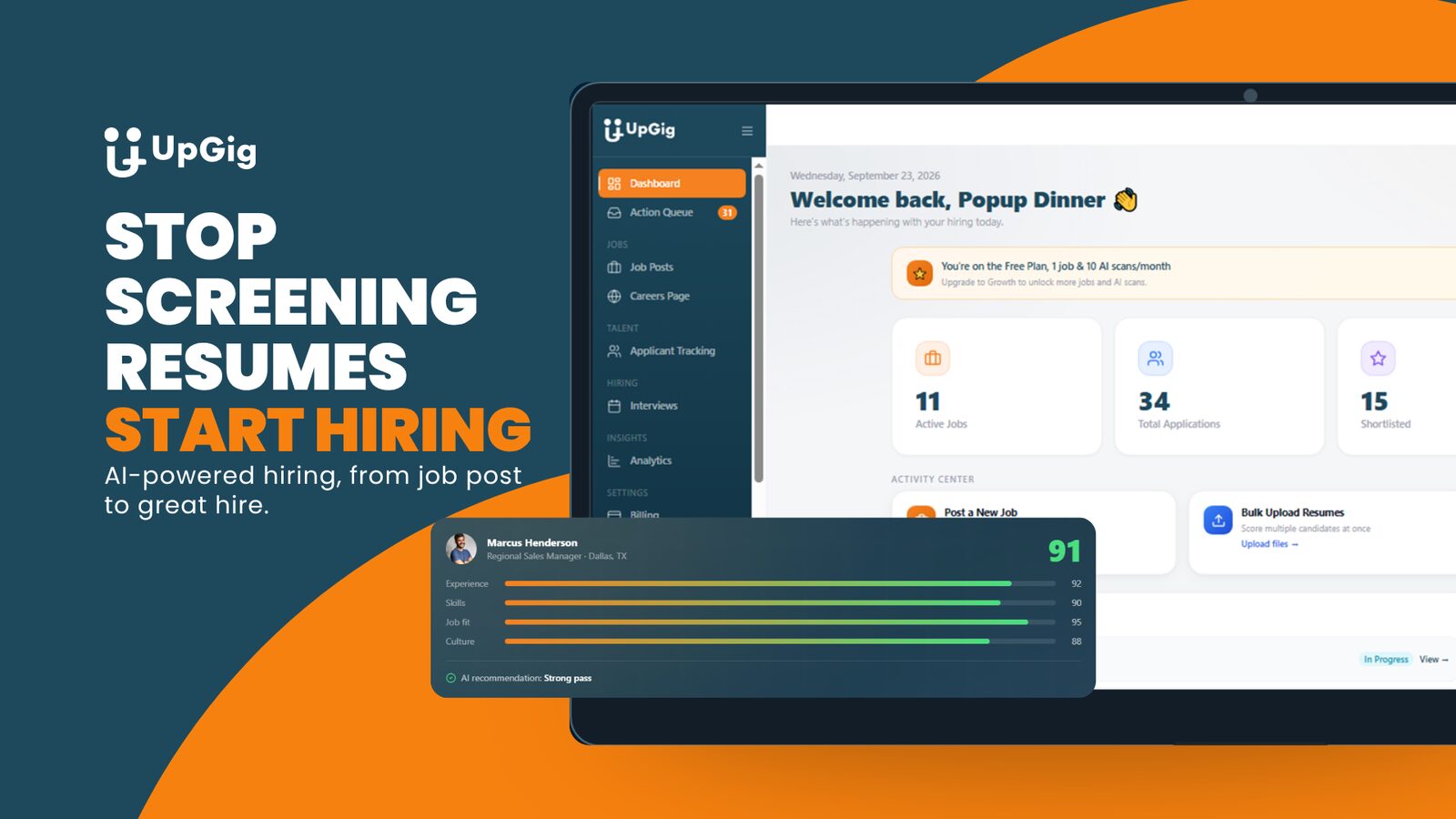
From our portfolio / UpGig
The UpGig portfolio includes employer records, candidate data and hiring workflows. It illustrates why a product’s roles and data boundaries matter alongside its interface. The portfolio example does not certify any other app or imply that this article audits it.
Read the UpGig case studyBring evidence to the launch decision
The useful output is a record of tested boundaries and remaining work. A percentage score cannot make that decision for you.
- List the data, customer roles, organization boundaries and privileged actions.
- Record the deployed version and test environment with synthetic accounts.
- Run relevant platform scans and preserve the findings and exclusions.
- Assign corrections and verify important repairs through a retest.
- Keep an operating owner, recovery access and a tested restoration plan.
Hire TDAT to handle your launch security review.
Bring us the goal and the current state. TDAT will define the scope for your launch security review, explain the responsibilities and carry out the agreed work with testing and a clear handover.
Hire TDAT for your launch security reviewOn the project call, we’ll discuss the problem, your existing tools and what TDAT should take off your hands. Then we can define the scope and next steps.
Or call (919) 289-1231
Questions before we start
Are Lovable or Bolt apps automatically insecure?
No. Assess the actual implementation, data and access rules. The builder choice alone proves neither security nor insecurity.
Is a clean Lovable scan enough to launch?
A clean scan is useful, but it does not establish that every application-specific boundary and operating process was reviewed. Understand the scan’s coverage and test the relevant roles, integrations and deployment.
Should my Supabase key be visible in the browser?
A publishable client key is designed for browser use with appropriate access controls. Privileged secret and legacy service-role keys must not be exposed in the client. Identify the key type before treating it as a finding.
Does following a security guide certify my app?
No. A guide explains what to examine. It does not connect to your app, run tests, inspect code or approve a launch. A scoped review needs evidence from the actual application and environment.
Should I rebuild if the review finds a security problem?
Not automatically. Identify the affected boundary, assess whether a focused repair is maintainable, and retest it. A larger rebuild needs evidence that the existing structure cannot support the required product.